
How to Use United in Stride

Achilles International is expanding access to movement and connection through the addition of United in Stride.
United in Stride currently functions as an online matching platform for athletes who are blind or have low vision to volunteer guide runners in the U.S. As the program continues transitioning to Achilles over the next few months, the platform offerings will be expanded to all athletes with disabilities. View the instructions manuals below for how to get started today in Rosterfy.
-
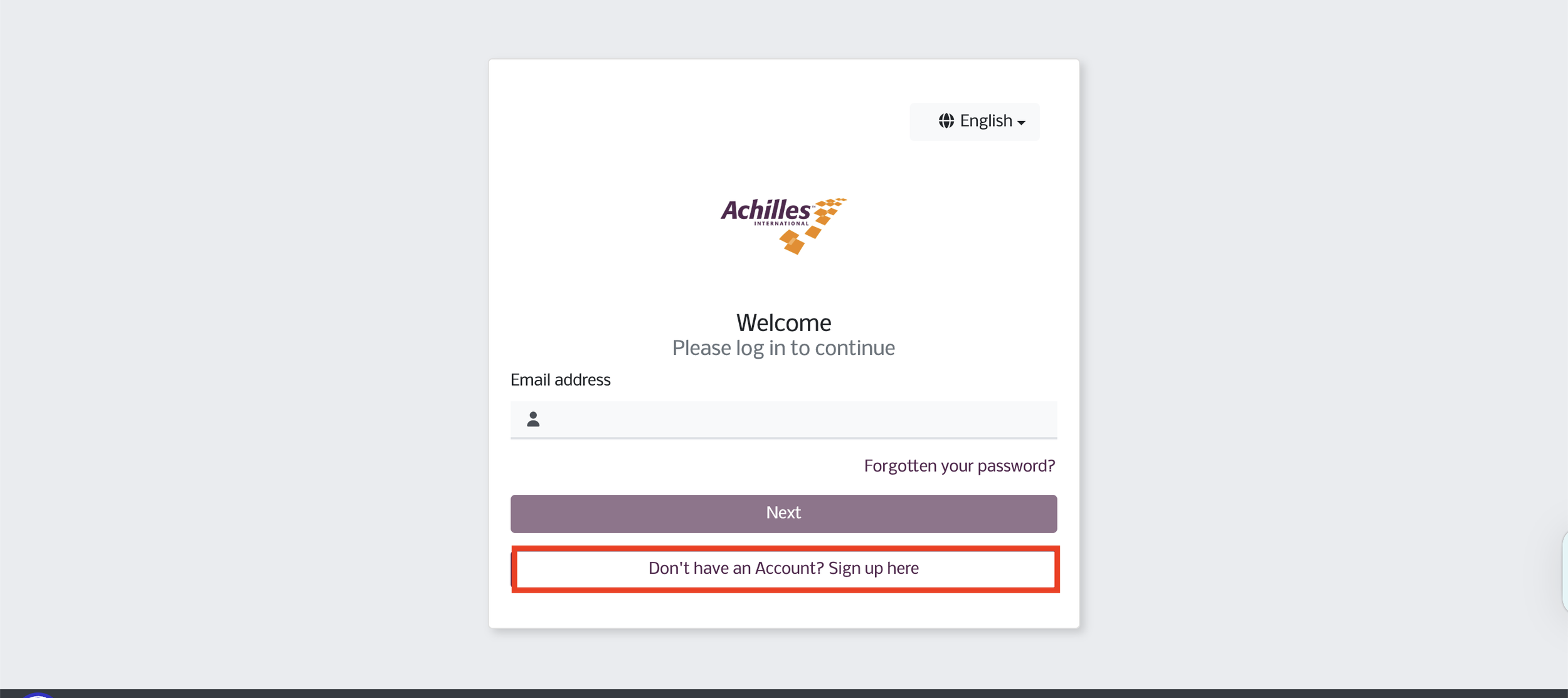
New to Achilles and Rosterfy
-
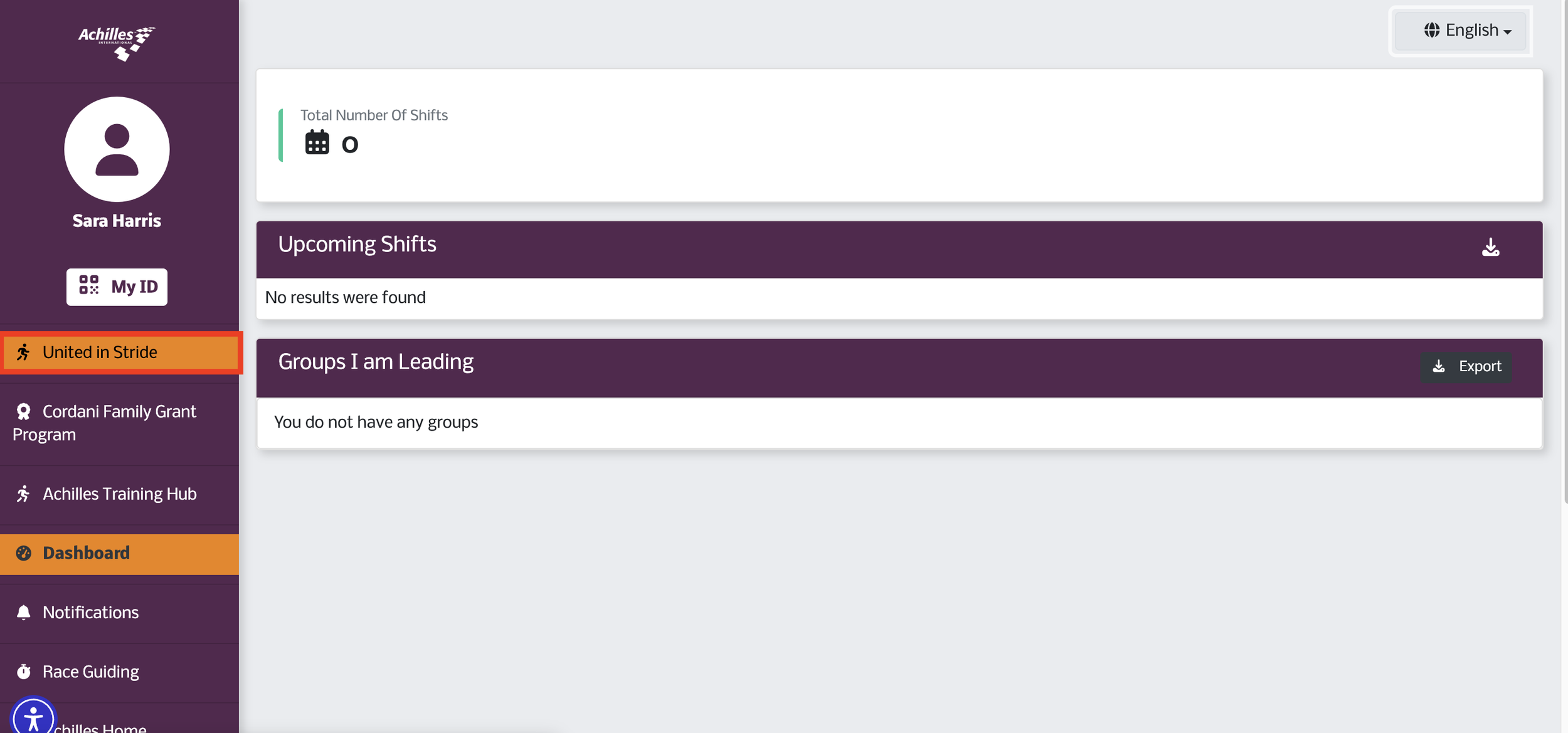
Achilles Member New to United in Stride
-
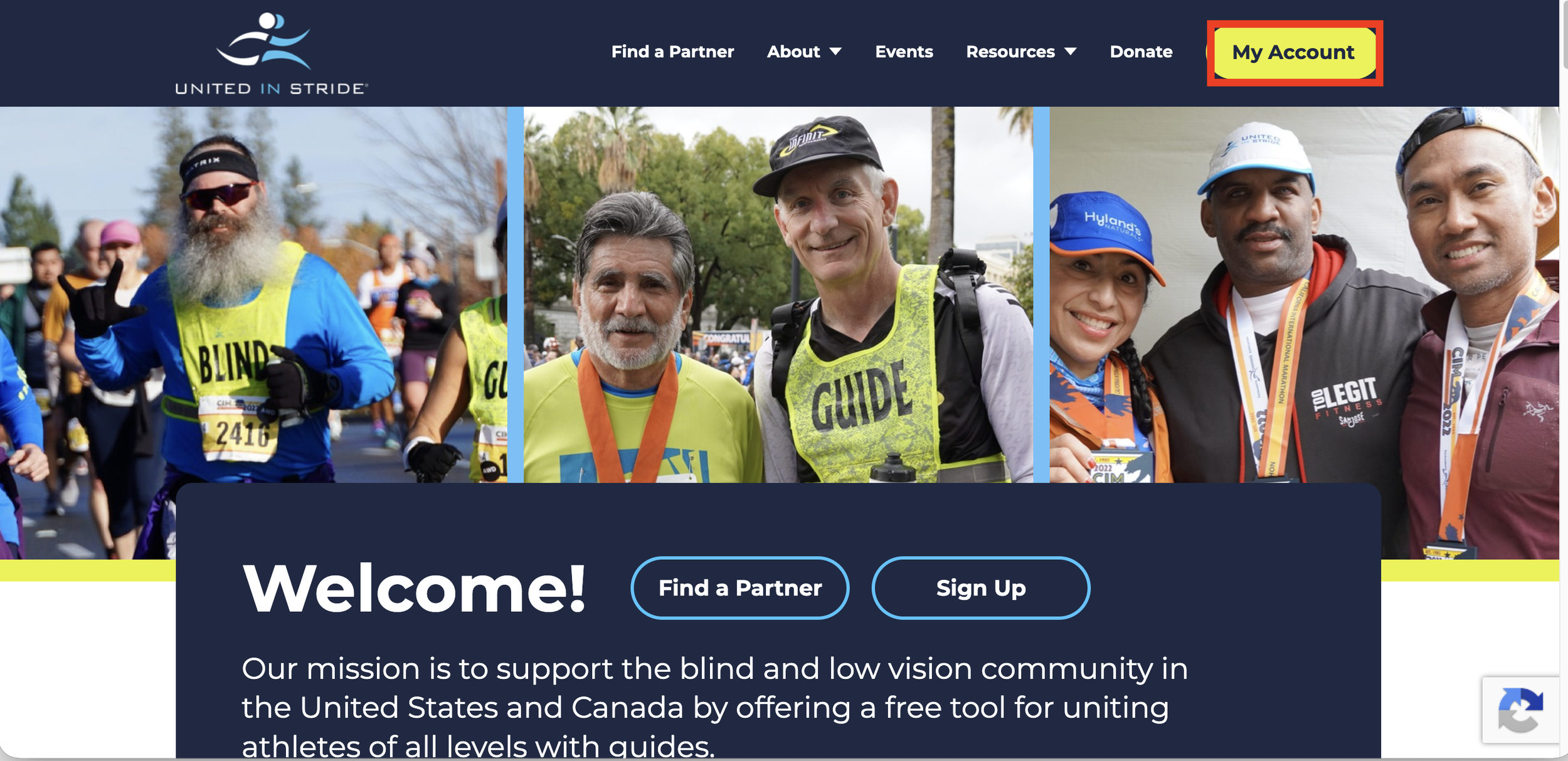
New Achilles and UIS Member
I’m New to Achilles and Rosterfy
If you're brand new to Achilles, you'll need to create a Rosterfy account first, complete your onboarding requirements, and then activate your United in Stride profile.
Steps
Create your Rosterfy account.
Complete your profile information.
Submit your required background check.
Wait for your account to be approved and activated.
Access United in Stride through your Rosterfy dashboard.
Create and activate your United in Stride profile.
Start connecting with guides and signing up for workouts.
What you'll gain: Access to Achilles workouts, races, events, and one-to-one guide matching through United in Stride. Note, right now the tool is designed to assist athletes who are blind or low vision with connecting to volunteer guides to go for a run or walk in their community.
Achilles Member New to United in Stride
Expand Your Training Opportunities
Already an Achilles member? Access United in Stride from your existing account dashboard to access one-to-one guide matching and flexible training opportunities in your community.
Steps
Log in to your Rosterfy account.
Navigate to the United in Stride section from your dashboard.
Select "Sign Up Today."
Complete the United in Stride registration form.
Verify your email address.
Log in to activate your account.
Begin searching for guides or athletes who are blind to volunteer to run with in your area.
What you'll gain: Flexible, one-to-one training opportunities that complement Achilles chapter workouts and events.
New to Achilles and United in Stride
Welcome to the Community!
If you're new to both Achilles and United in Stride, this is the place to start. You'll create your Achilles account, complete your onboarding requirements, and activate your United in Stride profile so you can participate in group workouts and connect with guides for one-to-one training.
Step 1: Create Your Achilles Account
Register through the Achilles portal (Rosterfy).
Complete your profile information.
Step 2: Complete Your Onboarding
Submit your required background check.
Wait for your profile to be reviewed and activated.
You'll receive confirmation once you're an active member.
Step 3: Activate United in Stride
Access United in Stride through your Achilles dashboard.
Create your United in Stride profile.
Verify your email and activate your account.
Step 4: Start Training
Sign up for Achilles chapter workouts and events.
Use United in Stride to connect with guides for flexible, one-to-one workouts in your community.
You're Ready to Run!
Once both accounts are active, you'll have access to the full Achilles community, including local chapter programming, races, events, and United in Stride guide matching.